Generate Auction Descriptions in Seconds with AI
Estimint can now write your auction catalog descriptions for you. Feed it your lots and sale details, pick a style, and get polished marketing copy — no blank-page syndrome required.
The Blank Page Problem
You've spent hours photographing items, reviewing AI-generated lot descriptions, and organizing your catalog. The lots are numbered, the images are uploaded, and the auction date is set. Now you need a catalog description — that paragraph or two of marketing copy that tells bidders what this sale is about and why they should show up.
For most auctioneers, this is where momentum stalls. Writing compelling marketing copy is a different skill than appraising antiques or running a live auction. You know the sale is good, but turning 200 lots into a punchy summary is tedious work.
Estimint now handles this for you.
How It Works
The AI catalog description generator lives inside the Auction Details modal on any catalog. Below the description field, you'll find a collapsible Generate with AI section.
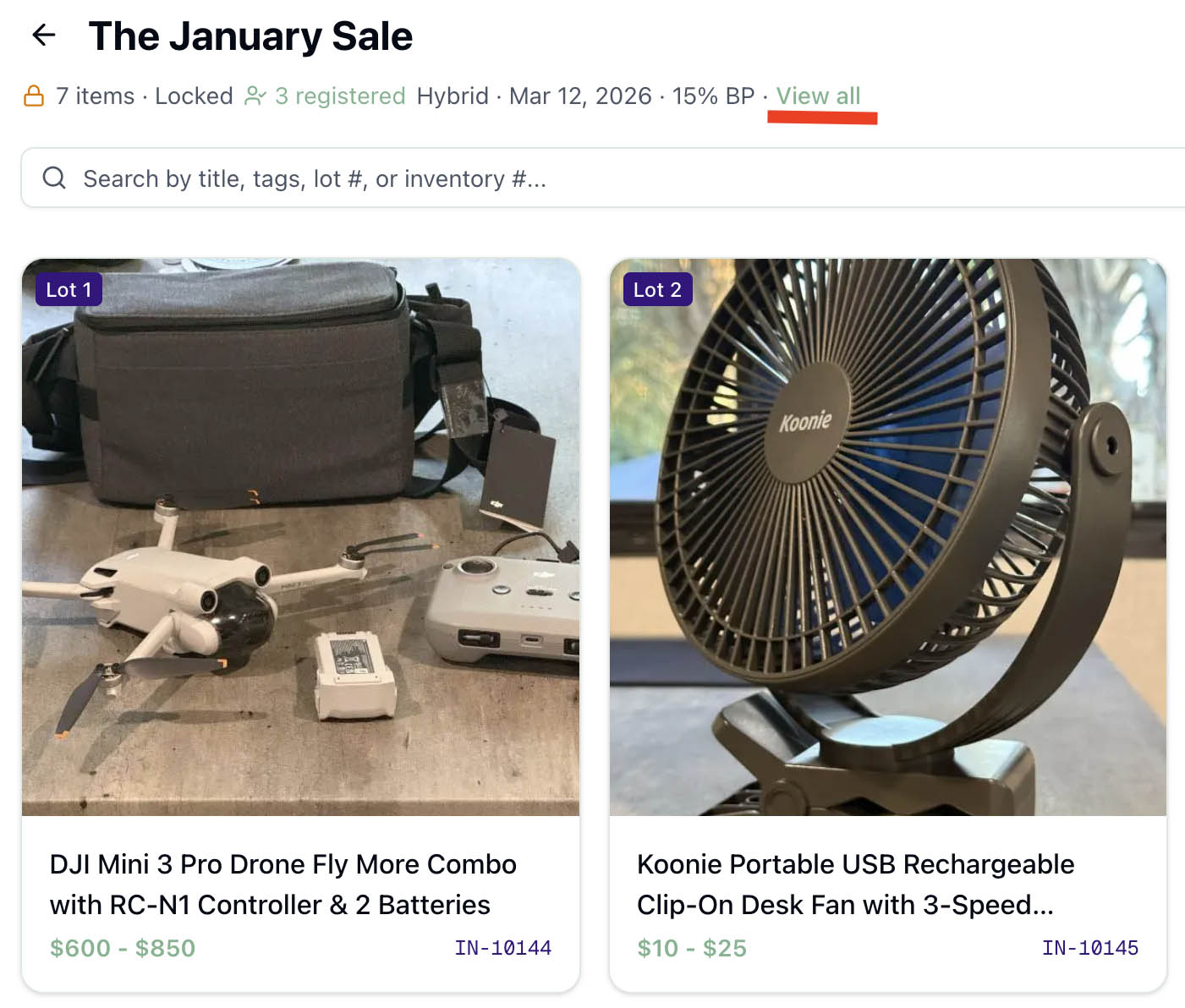
Here's the workflow:
- Fill in your sale details — date, time, auction type (live, online, timed, or hybrid), and location. These feed directly into the generated description.
- Pick a style — Professional (formal, authoritative), Casual (warm, approachable), or Detailed (comprehensive with category breakdowns).
- Pick a length — Brief (~75-100 words for social media), Standard (~150-200 words for catalog pages), or Detailed (~300-350 words for full marketing).
- Add optional notes — Anything the AI should know: "highlight the coin collection" or "mention free shipping on all lots."
- Click Generate — The AI analyzes your catalog and returns a polished description in seconds.
The generated text drops into the description field, ready to edit or use as-is. If there's already a description, you'll get a confirmation before it's replaced.
What the AI Actually Sees
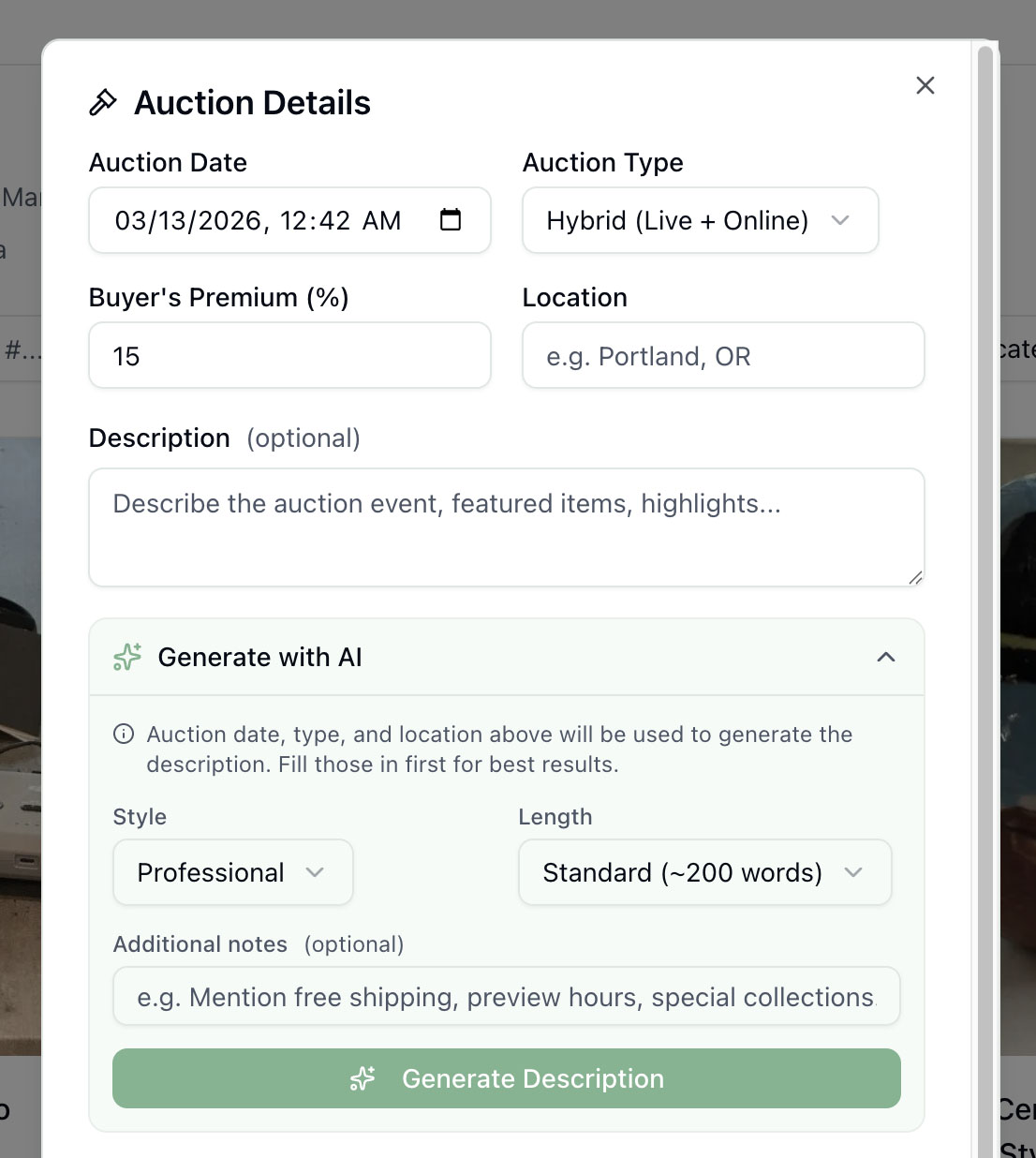
The generator doesn't dump all 600 lots into the AI and hope for the best. That would be slow, expensive, and produce unfocused results. Instead, it builds a compact summary of your sale:
- Featured lots — Any items you've marked as featured get full titles and descriptions. These are the headliners the AI will call out by name.
- First 10 lots — The opening lots give the AI a sense of the sale's scope and quality, even if they aren't featured.
- Category breakdown — The AI sees aggregate counts like "42 Furniture, 18 Fine Art, 12 Jewelry, 8 Coins" so it can accurately describe what's in the sale.
- Total lot count — A single number that grounds the description ("over 200 lots" vs. "a curated selection of 35 pieces").
This approach keeps the AI fast and focused regardless of catalog size. A 50-lot estate sale and a 1,000-lot multi-consignor auction both generate in seconds.
Style Options Explained
Professional
Best for established auction houses and high-value sales. The AI writes in a formal, authoritative tone that conveys expertise. Think gallery catalog language.
Casual
Best for community sales, estate sales, and consignment shops. The tone is warm and inviting — the kind of copy that makes someone want to browse, not just bid.
Detailed
Best for marketing emails and catalog landing pages. The AI produces a comprehensive description with specific lot highlights, category breakdowns, and context about the sale's significance.
Tips for Better Results
Mark your best items as featured. The AI prioritizes featured lots when writing the description. If your sale has a standout piece — a signed Tiffany lamp, a rare first edition, a complete sterling service — make sure it's flagged.
Fill in all sale details before generating. The auction date, type, and location are woven into the description. A description that says "join us Saturday, March 14th at our downtown gallery for a live auction" is far more compelling than a generic paragraph.
Use the additional notes field. This is your chance to steer the AI. Mention themes ("mid-century modern focus"), provenance ("single-owner collection from a prominent local family"), or calls to action ("preview Friday 4-7pm").
Try different style and length combinations. Generate a Brief + Casual version for your social media post, then a Detailed + Professional version for your catalog landing page. The AI produces different copy each time.
Where the Description Shows Up
The generated description populates the same field that already displays on your public catalog page. If you're sharing catalog links with bidders, the description is immediately live after you save. No extra steps needed.
Who Has Access
The AI description generator is available on all plans that include catalog access — Pro, Auction Pro, and Business. If you can create a catalog, you can generate descriptions.
Ready to try it? Use the AI auction description generator free, no signup required.
Ready to try it yourself?
Create your first AI-powered listing in 60 seconds. Free to start, no credit card required.
Start Free